Back to blog
How Accounting Integrations Power Your Business Tools in 2026
Discover the role of accounting integrations in business tools. Streamline your processes, eliminate manual entry, and enhance accuracy in 2026.


Discover the role of accounting integrations in business tools. Streamline your processes, eliminate manual entry, and enhance accuracy in 2026.
Accounting integrations are automated connections between your accounting software and every other system that generates or handles financial data. Think payroll, payment processors, CRM platforms, e-commerce stores, and bank feeds. When these connections are working, data moves the moment a transaction occurs. No manual re-entry. No copy-paste. No month-end scramble.
The core role they play is simple: keep your financial records current without requiring your team to act as the go-between for every system you use. Platforms like QuickBooks, Xero, NetSuite, and Taxbowl sit at the center of these ecosystems, pulling in data from the tools your business already runs on.
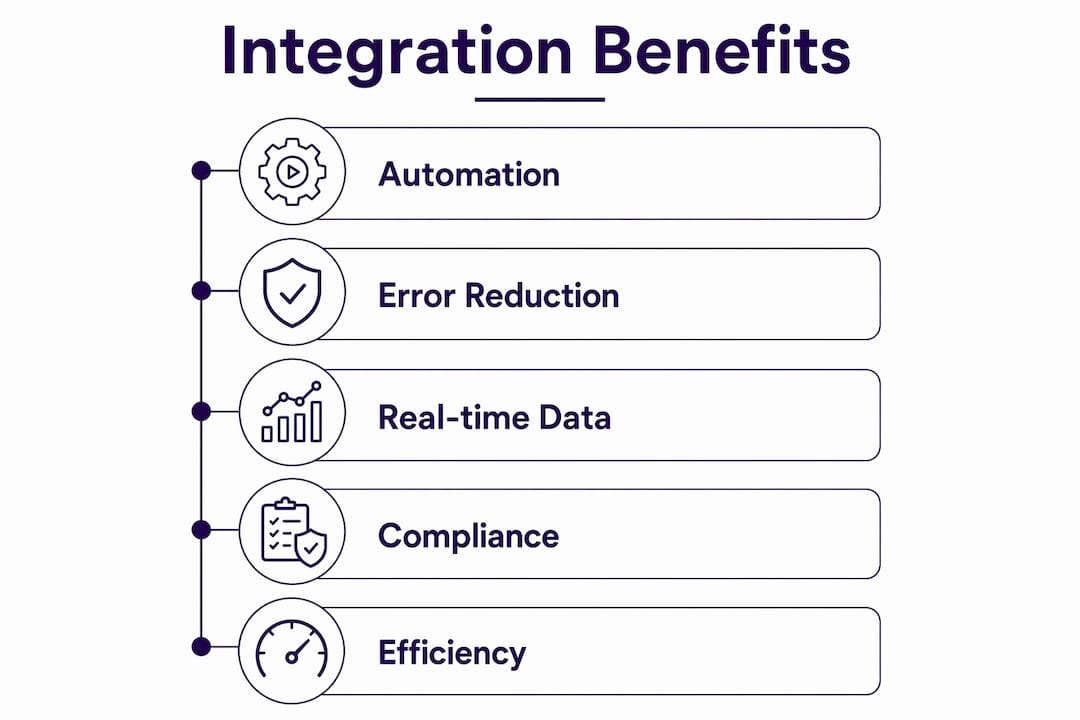
Here is what well-built accounting integrations actually do for you:
The most valuable integrations connect your accounting software to the tools generating the most financial activity. Here is where businesses typically start:
How these connections are built matters as much as which ones you choose. Native connectors offer fast deployment for common workflows but have limited flexibility. Custom API integrations give you full control at a higher maintenance cost. Middleware platforms like Zapier or Make sit in between, letting you build multi-step workflows without writing code.
Pro Tip: Start with what the research calls the “High-Value Trinity”: live bank feeds, your payment processor, and your primary sales or billing tool. These three integrations alone typically remove the majority of manual entry for most businesses.

If you are running a small or medium business, you are probably juggling 7–12 different tools at once. When none of them talk to your accounting software, your team becomes the manual connector. That is expensive.
73% of small businesses lose over 8 hours per week to manual data entry and reconciliation, which can be reduced to near-zero with accounting integrations. Over a year, that adds up to hundreds of recovered hours your team can redirect toward actual growth work.
By the numbers: 73% of small businesses lose significant time weekly to manual entry, and companies with multiple integrations are willing to pay 20% more for core software. Accounting integrations have moved from convenience to critical infrastructure.
The benefits for SMBs go beyond time savings:
For specialized businesses, the gains are even sharper. Accounting firms that integrate their reconciliation workflows have cut reconciliation time by 50%, saving 6–8 hours per client monthly.
An integrated accounting system automatically updates financial records from sales, payroll, payments, and inventory in one place. You stop importing CSVs. You stop running separate reconciliation steps. The data is just there.
The features that deliver the most value in practice:
The benefit that surprises most business owners is what happens to their team. Automation reduces human re-entry errors, improves audit readiness, and accelerates period closing. When your staff stops copying data between systems, they start spending time on analysis, exceptions, and decisions. That shift is where the real return on investment shows up.
Taxbowl is built around exactly this model: real-time financial visibility paired with a dedicated team of accountants who use integrated data to give you proactive guidance, not just end-of-month reports. For small businesses looking at fractional CFO services, that combination of clean integrated data and expert interpretation is what turns numbers into decisions.
Integration is not a set-it-and-forget-it project. The most common failures are not technology problems. They are planning problems.

The pitfalls that trip up most businesses:
Syncing messy data is the fastest way to make your books worse, not better. Multiple variations of vendor names replicated across systems create unusable ledgers. Garbage in, garbage out.
Timing mismatches are another quiet killer. When a payment processor records a transaction on Tuesday and your accounting software picks it up on Thursday, reconciliation becomes a puzzle. Successful teams document explicit field mappings and set up exception queues to catch these gaps before they compound.
The silent failure mode is the most dangerous: technically accurate data that is misleading because of generic categorization and misaligned chart of accounts. Your reports look fine. Your decisions are based on bad information.
Expert best practices:
Pro Tip: Do not over-integrate. A narrow, curated sync is often stronger than connecting every available field. The accounting system should remain the primary record, with other platforms feeding approved data into it.
For property-focused businesses evaluating their software stack, accounting software options vary significantly in integration depth and flexibility.
Clean integrations do more than save time. They protect you when it matters most.
When every transaction has a traceable origin tied to a source document, audit preparation stops being a crisis. Your auditor asks for the invoice behind a general ledger entry. You click once. That is what audit-ready books look like in practice.
Integrated systems also reduce compliance risk by keeping records consistent across platforms. Inconsistent data across systems is one of the most common triggers for IRS scrutiny. When your payment processor, payroll platform, and accounting software all reflect the same figures, discrepancies disappear before they become problems.
For businesses with multi-jurisdiction tax obligations, integrations that preserve tax treatment context at the transaction level are particularly valuable. An e-commerce integration that syncs sales without preserving state-level tax codes creates a reporting gap that manual cleanup cannot reliably fix.
Real-time data also improves the quality of financial statements. When your books are current throughout the month rather than reconstructed at month-end, your P&L and cash flow reports reflect actual business performance, not a delayed approximation of it.
The integration landscape has shifted significantly. Over 80% of SMBs now use cloud accounting systems, and real-time sync has replaced overnight batch processing as the standard. The direction from here is toward smarter, more contextual automation.
A few trends shaping what comes next:
The businesses that get the most from these advances are the ones that built clean, well-mapped integrations first. The foundation determines how much the future tools can actually help.
Most small business owners know they need better-connected financial systems. The challenge is that building and maintaining those integrations takes time, technical knowledge, and ongoing attention that most owners simply do not have.
Taxbowl is built for exactly that situation. Rather than handing you software to configure yourself, Taxbowl gives you a dedicated team of accountants who work inside an integrated financial system on your behalf. Real-time visibility into your books, proactive communication through Slack, and clean financial data that is always current. No month-end chaos. No chasing receipts. No wondering which number is right.
For small businesses that want the benefits of integrated accounting without becoming their own IT department, Taxbowl’s bookkeeping services handle the data, the reconciliation, and the reporting, so you can focus on running your business. Ready to see what that looks like for your situation? Talk to a Taxbowl expert and get a clear picture of where your financials stand.
Accounting integrations have become essential business infrastructure, with companies often paying more for software that includes multiple connected tools.
| Point | Details |
|---|---|
| Time recovered at scale | Many small businesses lose significant time weekly to manual entry, but integration reduces that burden substantially. |
| Clean data comes first | Syncing messy data spreads errors at speed; build a master data “Scrub List” before connecting any systems. |
| Start with three connections | Bank feeds, your payment processor, and your primary billing tool remove the majority of manual entry for most businesses. |
| Compliance protection | Traceable transaction origins and consistent cross-platform records reduce audit risk and support accurate tax reporting. |
| Taxbowl’s approach | Taxbowl pairs integrated real-time financials with a dedicated accounting team, removing the setup and maintenance burden from business owners. |
Accounting integrations are automated connections between your accounting software and other business tools, such as payroll, payment processors, e-commerce platforms, and bank feeds, so financial data flows automatically without manual re-entry.
Integration keeps financial records current and accurate by eliminating manual data transfer between systems. It reduces errors, speeds up reconciliation, and gives business owners real-time visibility into cash flow and performance.
Common integrations include payroll platforms like Gusto and ADP, payment processors like Stripe and PayPal, e-commerce platforms like Shopify and WooCommerce, CRM systems, and bank feeds connected to platforms like QuickBooks, Xero, or NetSuite.
Integrations use native connectors, middleware platforms like Zapier, or custom API connections to move transaction data from source systems into your accounting ledger automatically, with field mappings that preserve tax codes, vendor identity, and document references.
Yes. Managed accounting services like Taxbowl handle integration setup and ongoing maintenance on your behalf, giving small business owners the benefits of connected financial systems without requiring any technical knowledge.